JupiterOne Joins Anthropic's MCP Directory: Bring Your Security Graph Into Every AI Workflow
JupiterOne Joins Anthropic's MCP Directory: Bring Your Security Graph Into Every AI Workflow
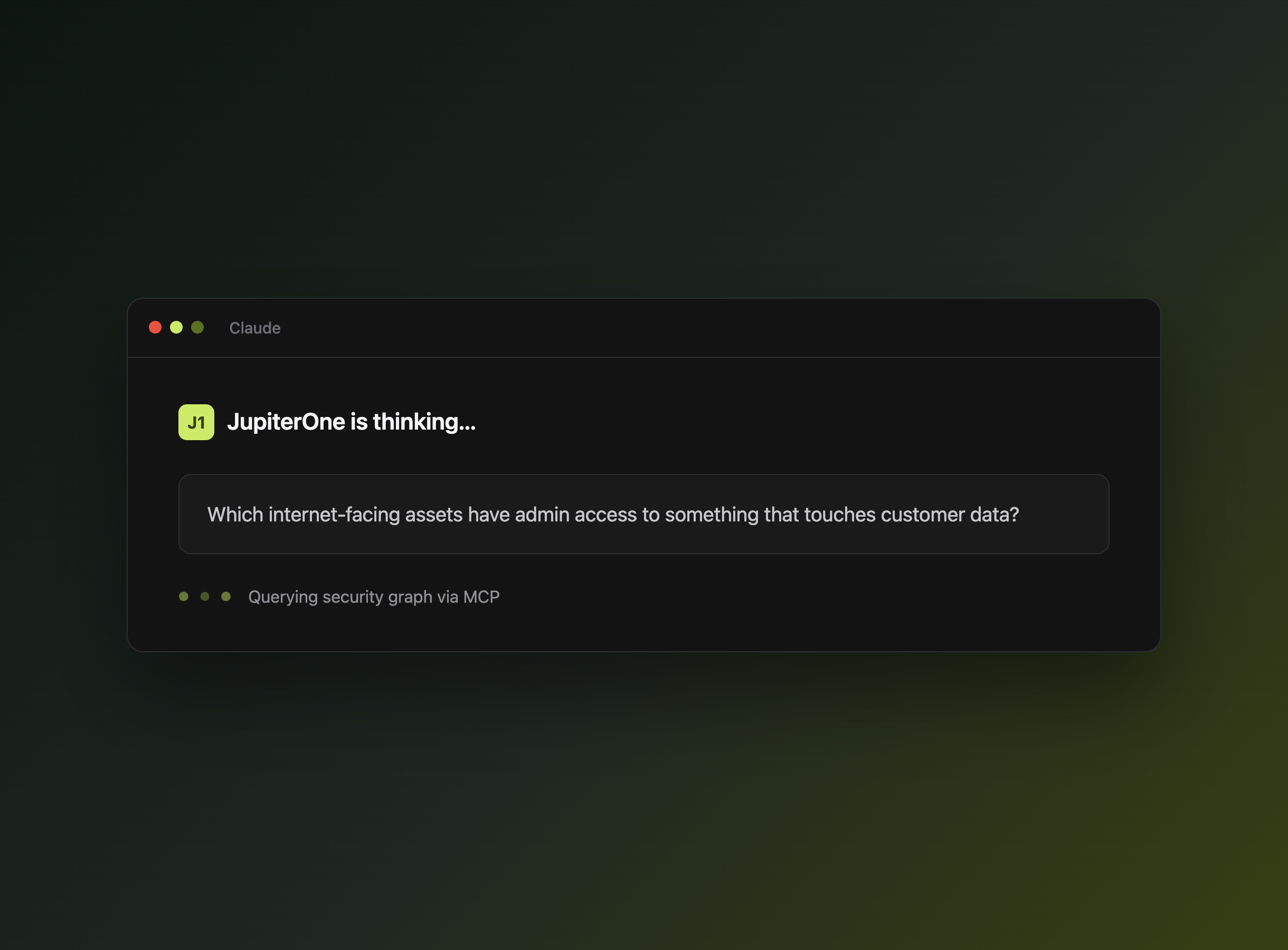
Picture this: you're triaging an alert, and instead of pivoting across four different tools to figure out what's actually exposed, you just ask Claude. "Which internet-facing assets have admin access to something that touches customer data?" All you have to do is ask — Claude does the rest.
That's what the JupiterOne MCP server has enabled since we launched it in July. Now it's easier to find: JupiterOne is officially listed in Anthropic's MCP directory as a community server, right alongside the other integrations security and platform teams are already connecting to Claude.
What You Can Do With JupiterOne's MCP Server
Once connected, Claude can query your security graph directly and answer questions grounded in what's actually true in your environment — not a guess based on training data:
- Ask natural-language questions about your environment. No J1QL required — just ask.
- Chase down toxic combinations. Surface the internet-facing asset with admin access to the database with customer PII, not just each risk in isolation.
- Triage without leaving your chat window. Pull vulnerability, identity, and asset context into the conversation you're already having.
How JupiterOne's MCP Server Works
The server exposes your JupiterOne security graph — assets, vulnerabilities, identities, and the relationships between them — through the open MCP standard. A few of the questions it can answer:
- What's exposed? Which internet-facing assets have unpatched critical vulnerabilities?
- What's the blast radius? If this asset were compromised, what else could an attacker reach?
- What's changed? Which assets or access paths are new since last week?
It connects to your existing JupiterOne instance, so there's no stack to rebuild and no separate agent to stand up.
Getting Started
- Visit claude.ai/directory and search for JupiterOne
- Click "Connect" and authenticate with your JupiterOne account
- Start asking questions about your security graph
Now, go connect your security graph and ask Claude something interesting.